LTA Competitions System
How to add result managers in the LTA Competitions System
This guide walks through adding a new admin/user right to a league — for example, giving someone the Result entry, Club contact, or Play day organizer role.
- 1
Log in to the LTA Competitions System
Go to competitions.lta.org.uk and tap LOG IN. Use your LTA Member account details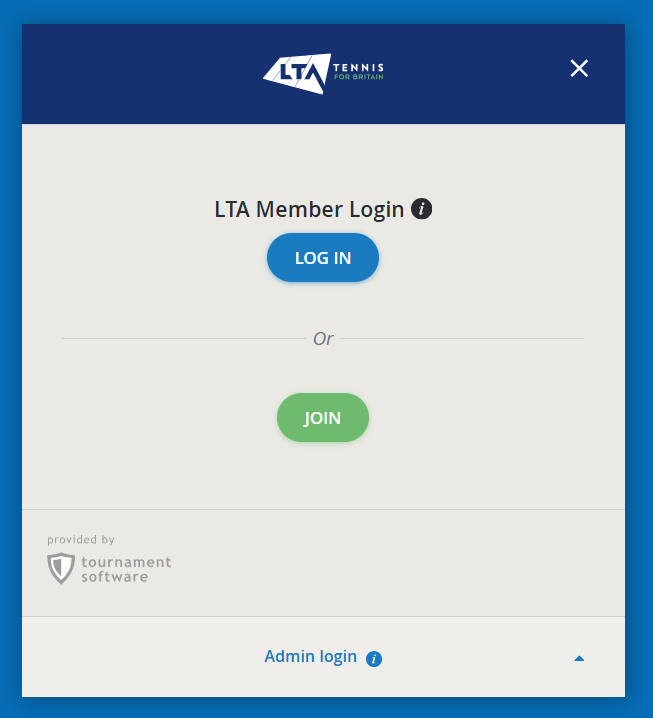
- 2
Open your club menu
From the LTA competitions site, Go to the menu on the left of the screen (On a phone you can find this in the top right hamburger menu - 3 horizontal lines).
Find the club name and select your role ( Club Administrator). If your role is not visible, click on the name of the club which opens the dropdown.
Note: Only club administrators are able to add/change/remove captains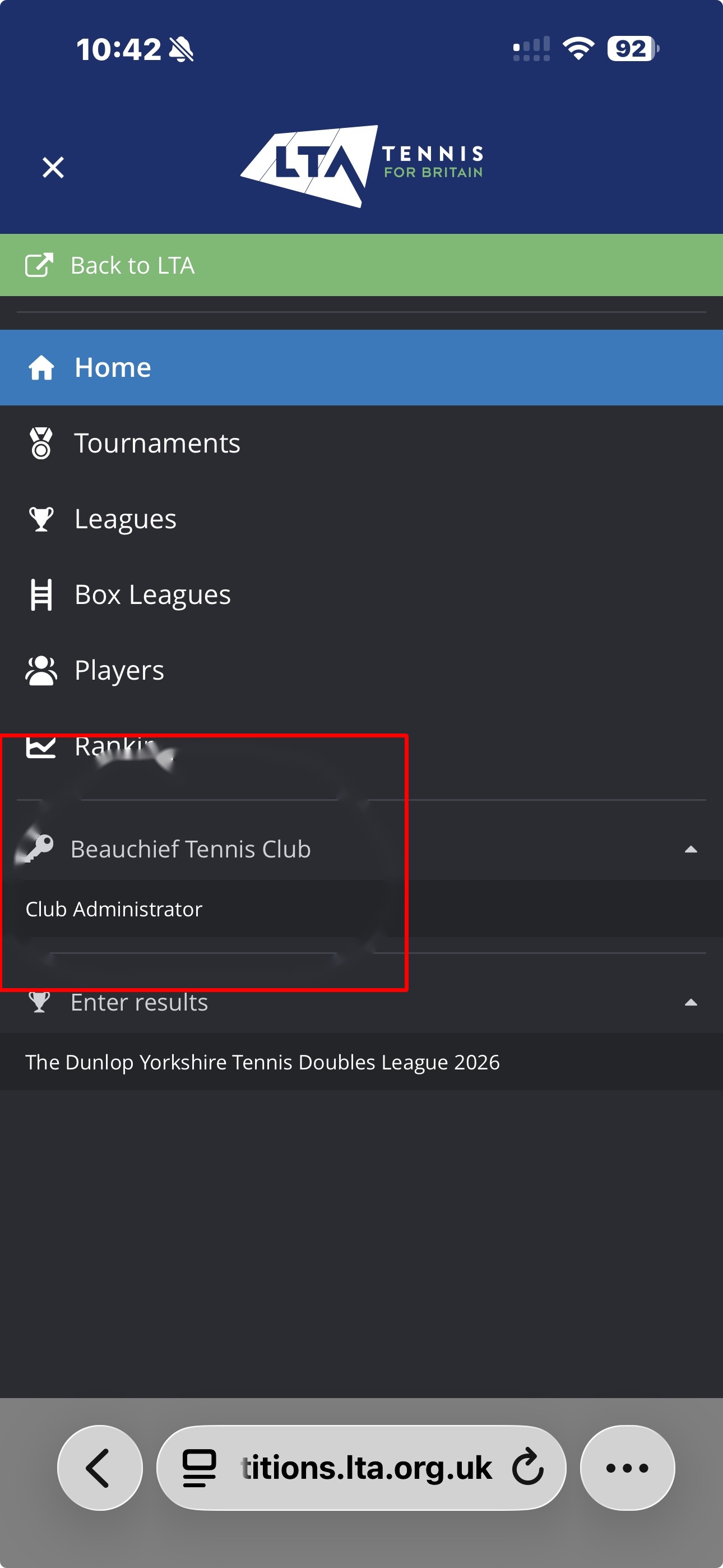
- 3
Select the league
From your club dashboard, find the relevant league in the list — e.g. "Sheffield & District Late Summer Saturday Mixed 2026" — and tap into it.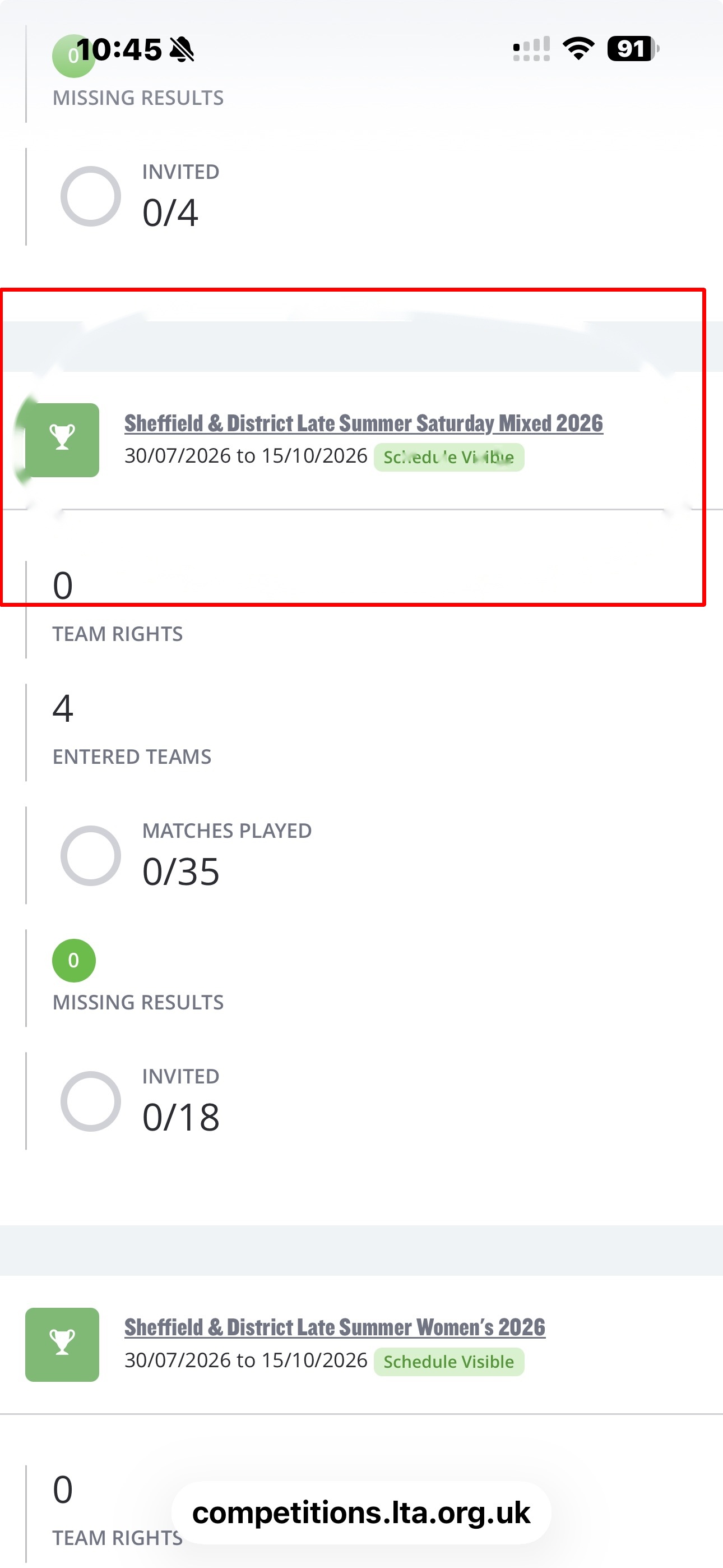
- 4
Open the league menu (phones only)
On the league's dashboard page, tap MENU (the hamburger icon near the top).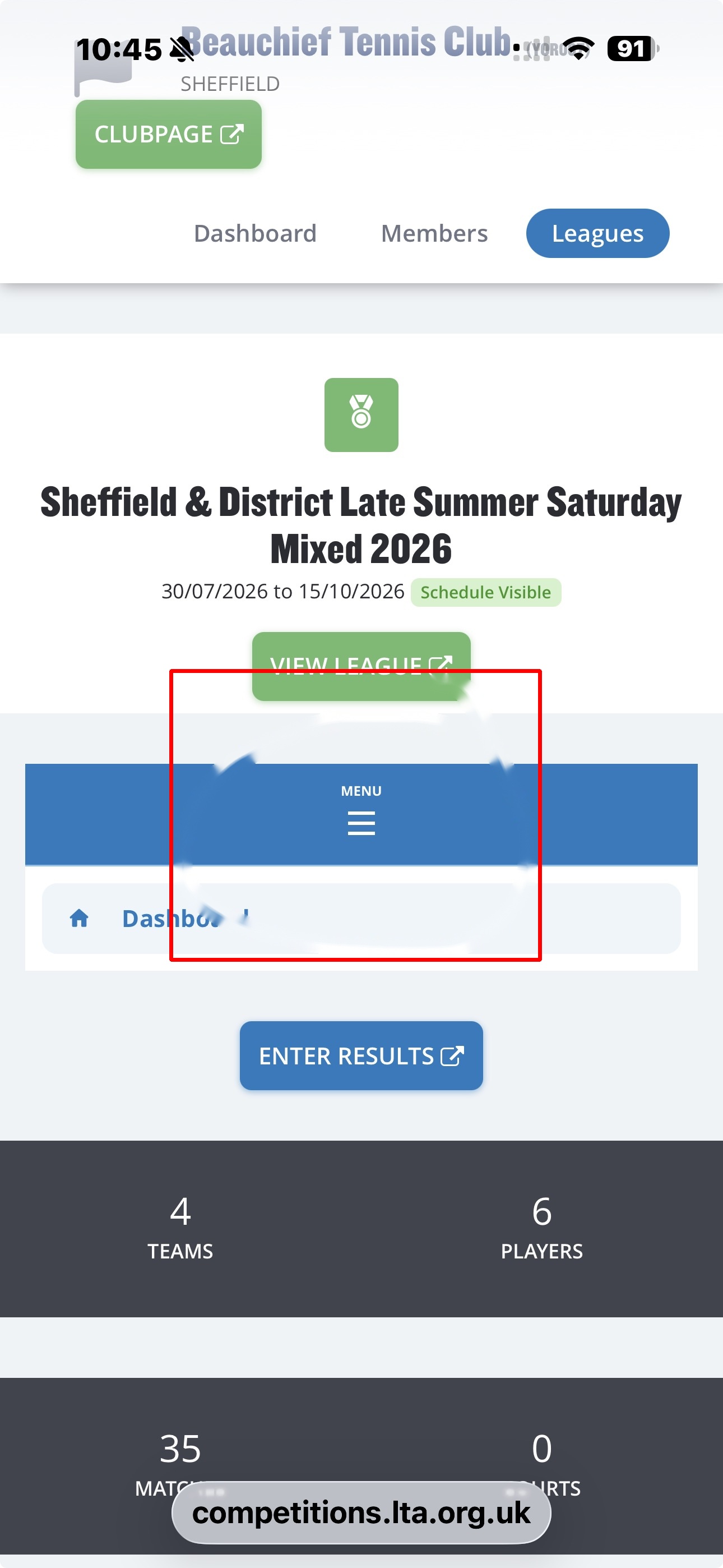
- 5
Go to User rights
In the menu, scroll down and tap User rights.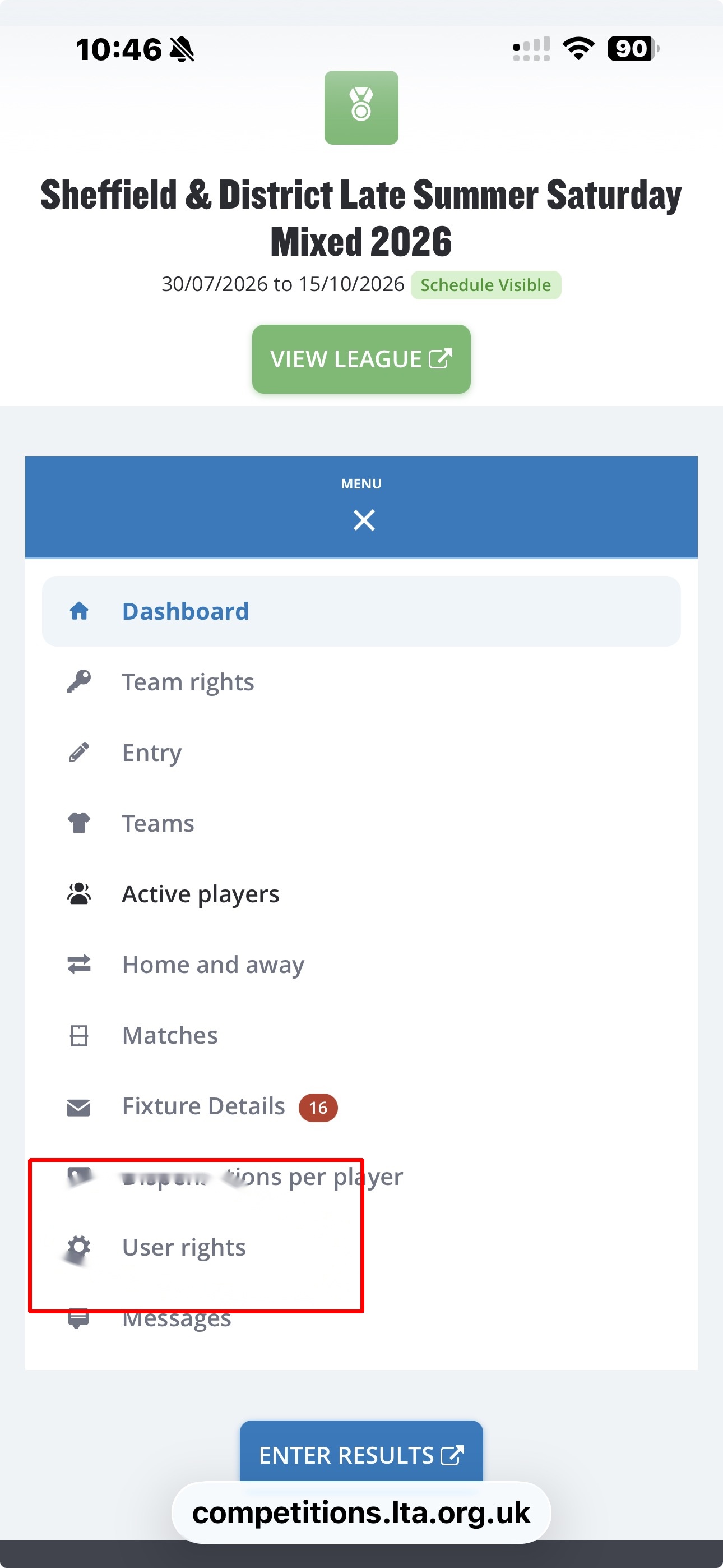
- 6
Add a user right
On the User rights page, tap + ADD USER RIGHT.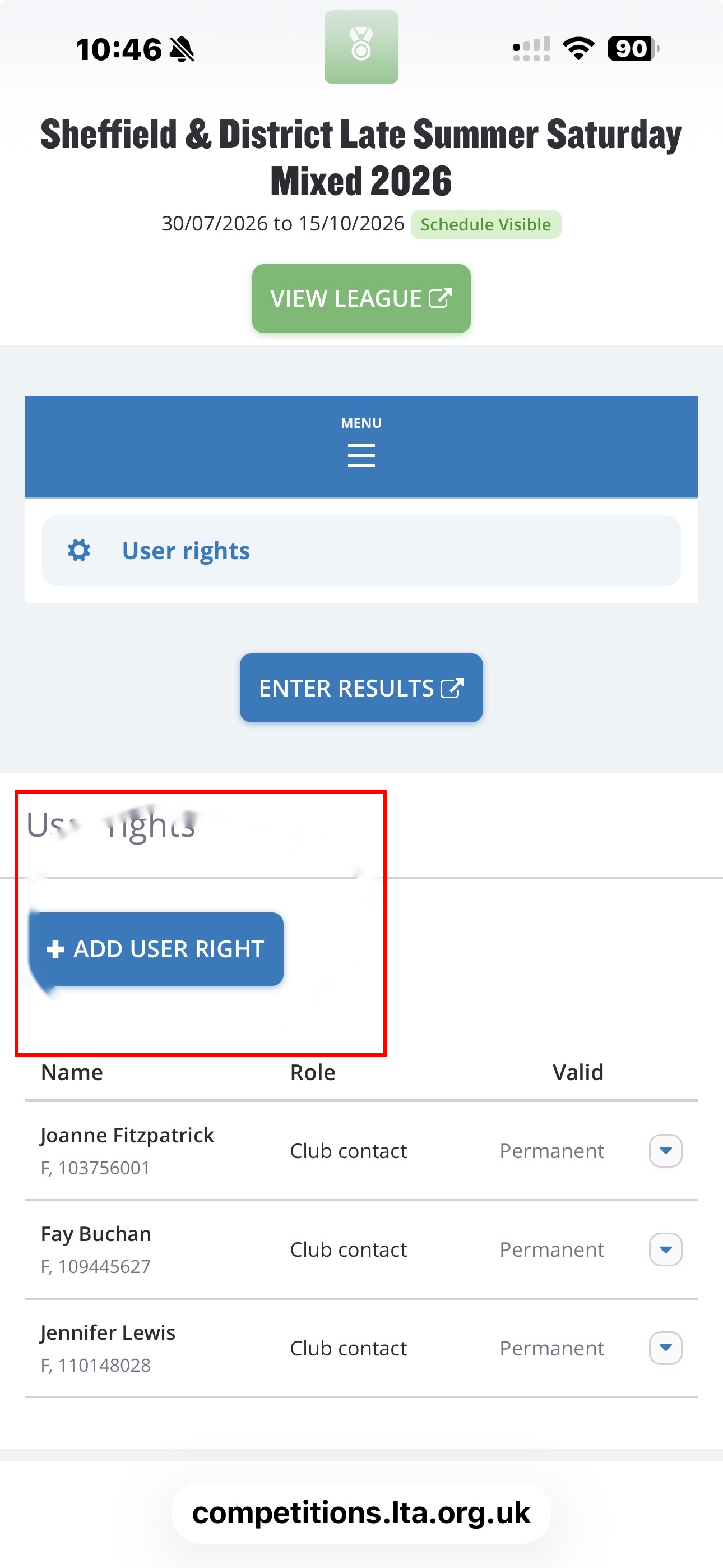
- 7
Find the user
In the "Add user right" pop-up, use the Find a user to assign rights search box to look up the person by name.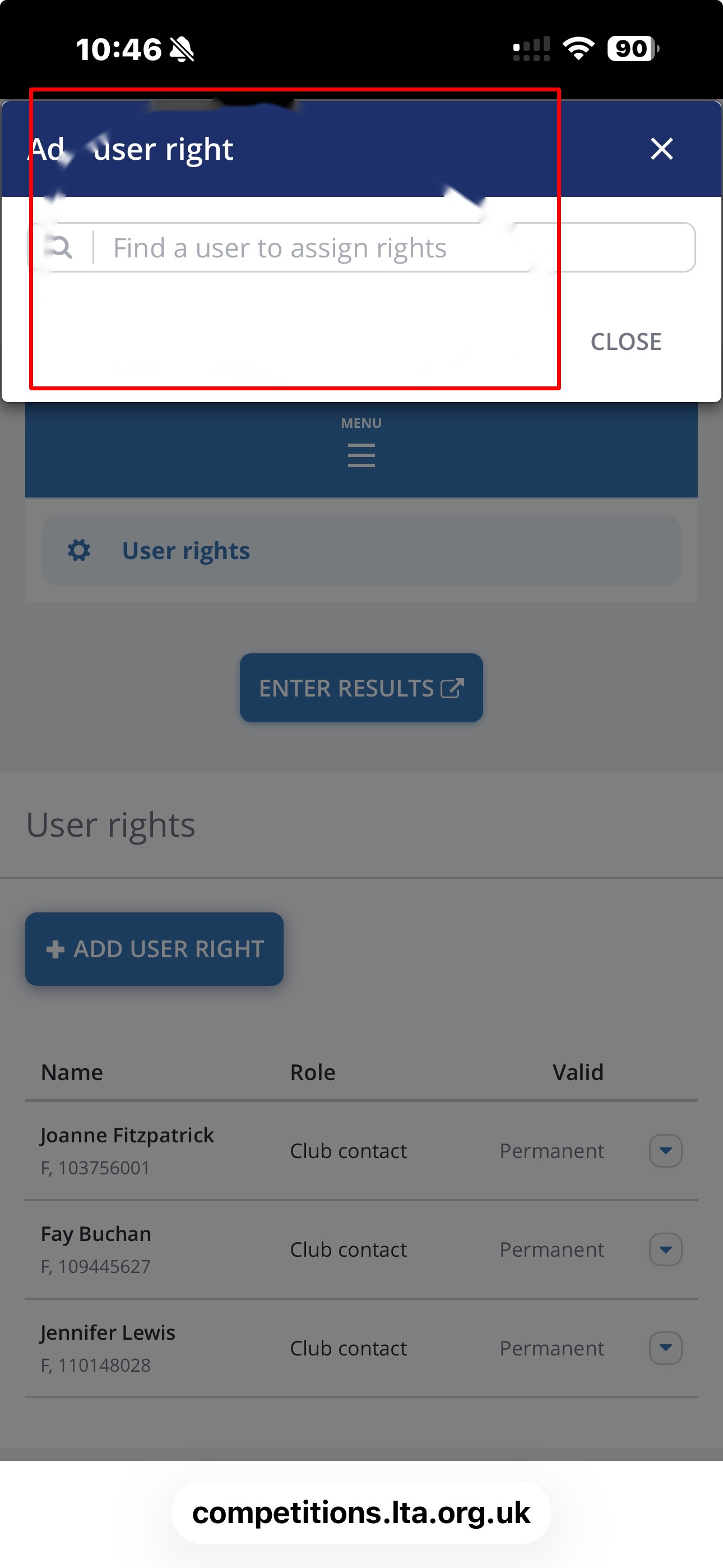
- 8
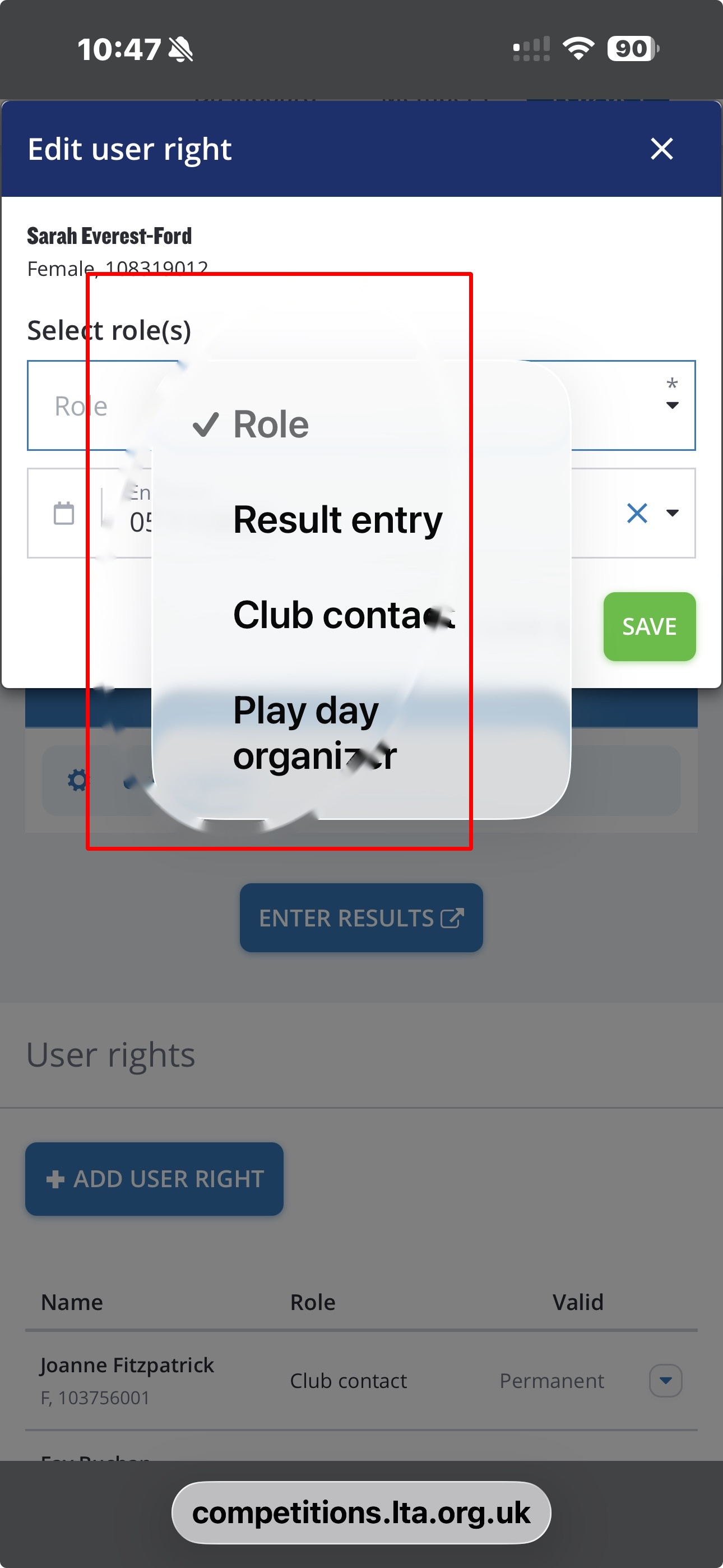
Select their role
Once you've selected the user, an Edit user right screen opens showing their name and membership number. Tap the Role dropdown and choose the appropriate role:- Result entry
- Club contact
- Play day organizer
You can select more than one role if needed, and set an end date if the right shouldn't be permanent.
- 9
Save
Tap SAVE to confirm. The new admin will now appear in the User rights list alongside existing ones.